Motions are the mechanism through which delegates change what the committee is doing: shifting from formal debate to a caucus, extending speaking time, moving to a vote, or closing the session. Understanding every motion type, when to use it, and what threshold it requires is essential for both chairs and experienced delegates. The MUN glossary defines any term you have not met yet.
1. What Is a Motion in MUN?#
A motion is a formal proposal by a delegate to change the committee's mode of debate or take a procedural action. Motions interrupt or redirect the current floor activity. They are debated briefly (if at all) and put to a vote before taking effect.
Motions are distinct from working papers and draft resolutions, which are substantive documents about the committee's topic. A motion is always procedural. It affects how the committee operates, not the content of its conclusions. Motions are also separate from points, which our guide to MUN points explained covers.
2. How to Make a Motion#
The process is the same for every motion type:
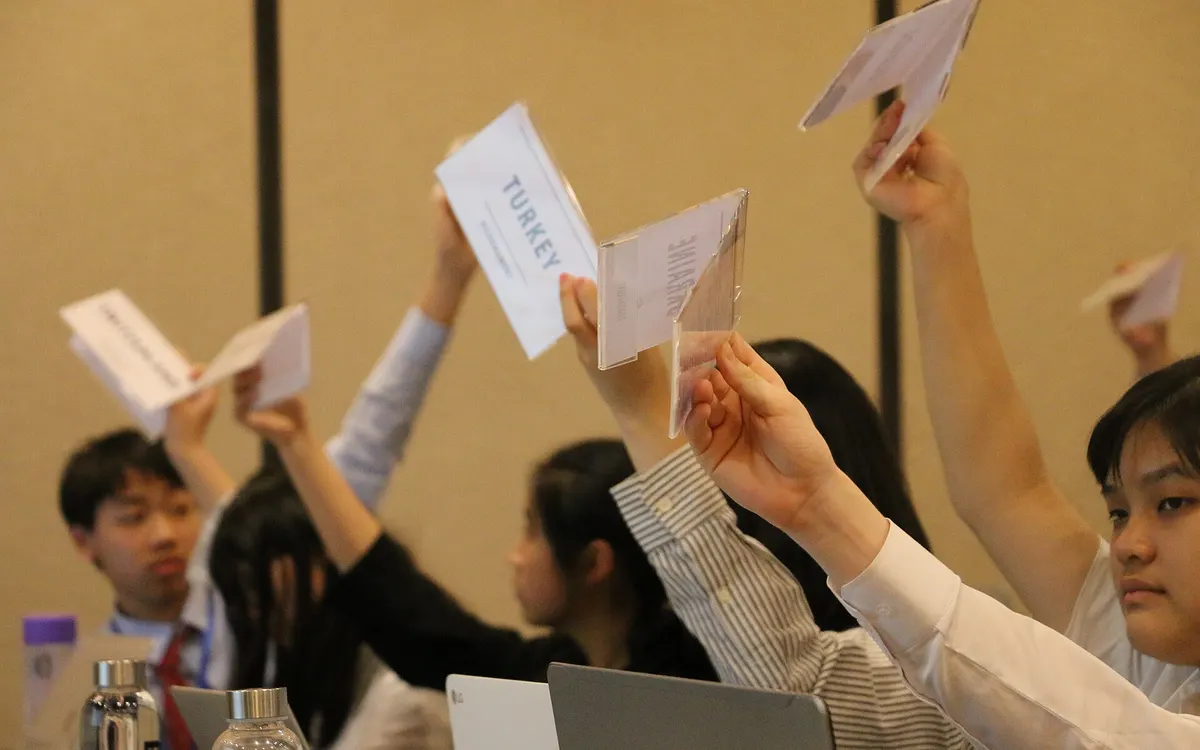
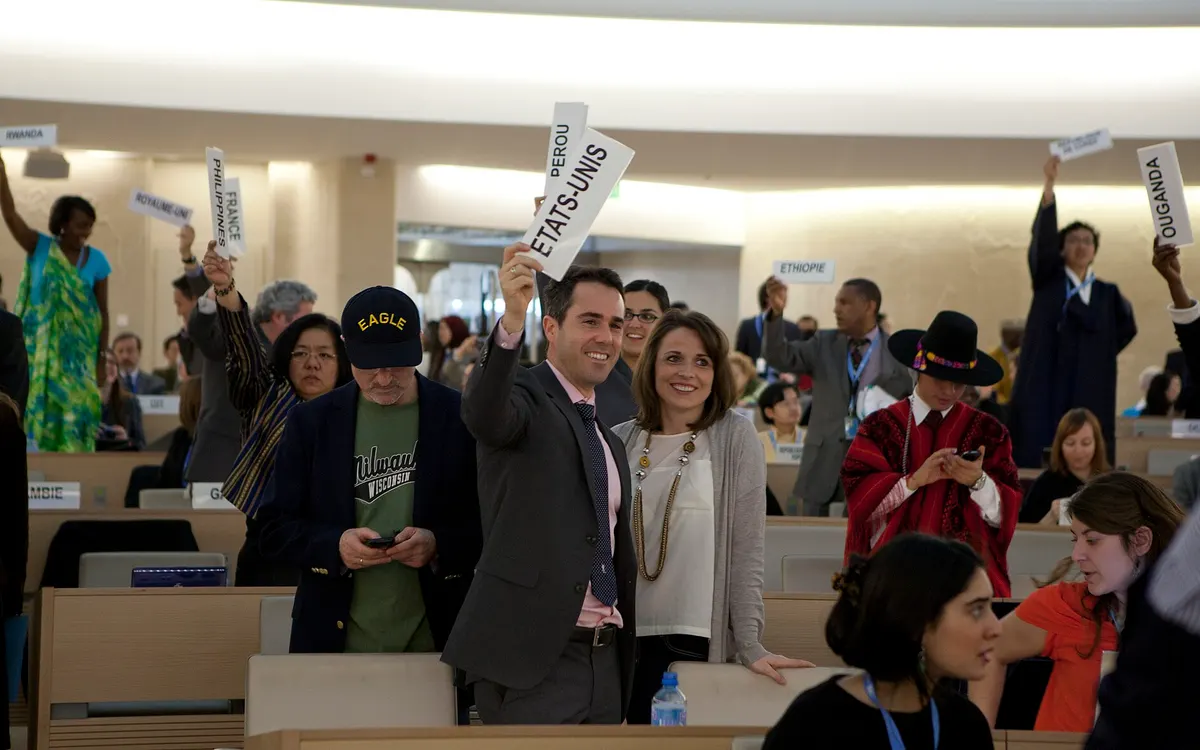
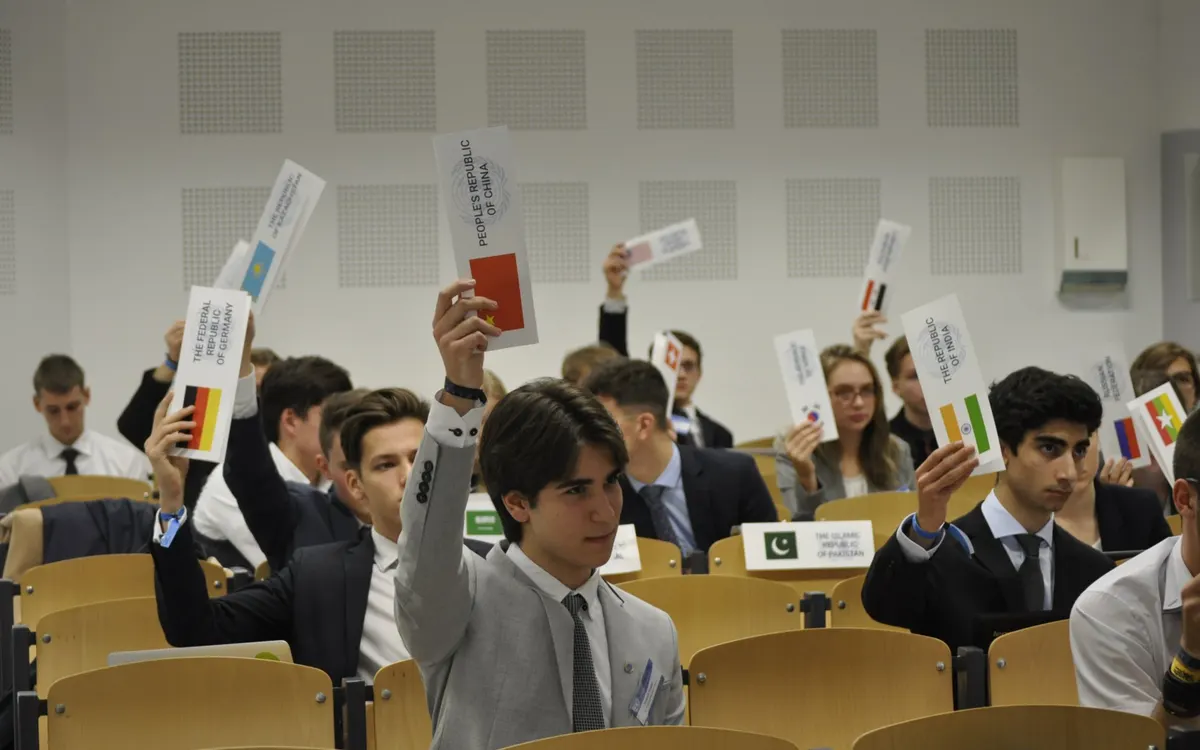
- Raise your placard: wait to be recognised by the chair.
- State the motion: say it clearly and completely. For a moderated caucus, this means stating the topic, total time, and per-speaker time. Example: "The delegation of Brazil moves for a moderated caucus on the topic of climate financing, for a total time of 10 minutes with 90 seconds per speaker."
- Second the motion: most motions require at least one second before going to a vote. The chair asks "Is there a second?"
- Vote: the chair calls a vote. Motions pass by simple majority unless otherwise specified.
3. The Most Common MUN Motions#
Motion to Open / Continue the Speakers List
Opens or reopens the General Speakers List after a caucus. Requires: none specified (chair may open it directly). Vote threshold: typically no vote needed. The chair opens it as a matter of course.
Motion for a Moderated Caucus
Suspends the GSL for a focused, structured debate on a specific sub-topic. Required parameters: topic, total time (e.g. 10 minutes), per-speaker time (e.g. 90 seconds). Vote threshold: simple majority. The chair runs a new speaker queue within the caucus. The GSL is paused, not cleared.Motion for an Unmoderated Caucus
Suspends formal procedure for informal negotiation and bloc-building. Required parameters: total time only (e.g. 15 minutes). No speaker queue: delegates move freely. Vote threshold: simple majority. Used for working paper drafting and lobbying.Motion to Extend the Caucus
Extends an ongoing moderated or unmoderated caucus by an additional time period. Raised near the end of the current caucus time. Vote threshold: simple majority.
Motion to Set / Extend Speaking Time
Changes the per-delegate speaking time on the GSL. Required: new speaking time. Vote threshold: simple majority. Can be raised at any point when the floor is not occupied.
Motion to Introduce a Working Paper / Draft Resolution
Formally introduces a document to the committee floor. The document must have the required number of signatories (set by conference rules). Vote threshold: simple majority.
Motion to Move into Voting Procedure
Closes debate and moves the committee to vote on a draft resolution. Once passed, no further debate is permitted. Vote threshold: simple majority. This is a significant motion: debate on the resolution cannot resume once it passes.
Motion to Suspend the Meeting
Temporarily suspends the session (e.g. for lunch). Vote threshold: simple majority. Session resumes at the agreed time.
Motion to Adjourn the Session / Meeting
Formally closes the session. Vote threshold: simple majority. In multi-day conferences, this ends the current day's committee work.
Motion to Table the Topic
Removes the current topic from the floor entirely, effectively ending debate without passing a resolution. Rarely used in most conferences. Vote threshold: two-thirds majority in many rules of procedure.
4. Voting Thresholds for Motions#
| Motion type | Threshold (typical) | Abstentions allowed? |
|---|---|---|
| Moderated Caucus | Simple majority | No |
| Unmoderated Caucus | Simple majority | No |
| Extend Speaking Time | Simple majority | No |
| Introduce Document | Simple majority | No |
| Move into Voting Procedure | Simple majority | No |
| Suspend / Adjourn | Simple majority | No |
| Table the Topic | Two-thirds majority | No |
| Draft Resolution (substantive) | Simple or two-thirds* | Yes (except P+V) |
*Draft resolution voting threshold depends on committee type and conference rules.
5. Which Motion Takes Precedence?#
When multiple delegates raise motions at the same time, the chair must decide which to entertain first. The principle is most disruptive first: the motion that would most significantly change committee procedure is voted on before less disruptive ones.
A general order of precedence (most to least disruptive):
- Motion to Adjourn the Meeting
- Motion to Suspend the Meeting
- Motion for an Unmoderated Caucus
- Motion for a Moderated Caucus
- Motion to Set the Agenda / Speaking Time
If two delegates raise the same type of motion simultaneously, the chair may entertain both and let the committee vote on each in sequence, or combine them into a single vote.
The exact list and order depend on the ruleset. Our UNA-USA rules of procedure and THIMUN rules of procedure guides cover each one.
6. Chair Tips for Managing Motions#
- Entertain all motions quickly. Hesitating or dismissing motions without a vote erodes delegate trust in the chair's impartiality.
- Stack motions before voting. When multiple motions are raised at once, list them all before calling the vote. "The chair has three motions before it. We will vote in order of disruptiveness."
- Use a motion queue. Gavelling maintains a live motion queue sorted by disruptiveness, so the chair always knows which motion to vote on first without mental arithmetic.
- Never let motions drag. Take the second, call the vote, record the result, move on. Drawn-out motion procedure kills committee energy.
See also: How to Run a MUN Committee for a complete session walkthrough.