Model UN has historically been a paper-heavy activity. Position papers were printed. Speakers lists were handwritten. Timers were phone stopwatches. In 2026, that is changing fast, and the conferences that embrace good technology run notably better than those that do not. This guide covers every category of MUN technology and what actually works in practice. If some of your delegates join remotely, read our guide to hosting a hybrid MUN conference too.
Committee Management Software#
The biggest technology upgrade any committee can make. Purpose-built MUN software handles the chair's workflow in one place: roll call, speakers list, per-speaker timers, caucus queues, motions, documents, and voting. The alternative (paper lists, phone timers, and separate apps for each function) introduces errors and slows everything down. Our comparison of the best MUN software in 2026 covers the options.
What to Look For
- Real-time delegate view: Delegates should be able to see the current speaker and their queue position without the chair having to announce it constantly.
- Multi-chair support: Co-chairs and directors should be able to manage the same session simultaneously from different devices.
- No installation required: A browser-based platform means any device works: laptop, tablet, or phone. No app downloads for 80 delegates.
- Caucus handling: Moderated and unmoderated caucuses need separate timer logic. Many general-purpose timer apps cannot do both simultaneously.
Document Collaboration#
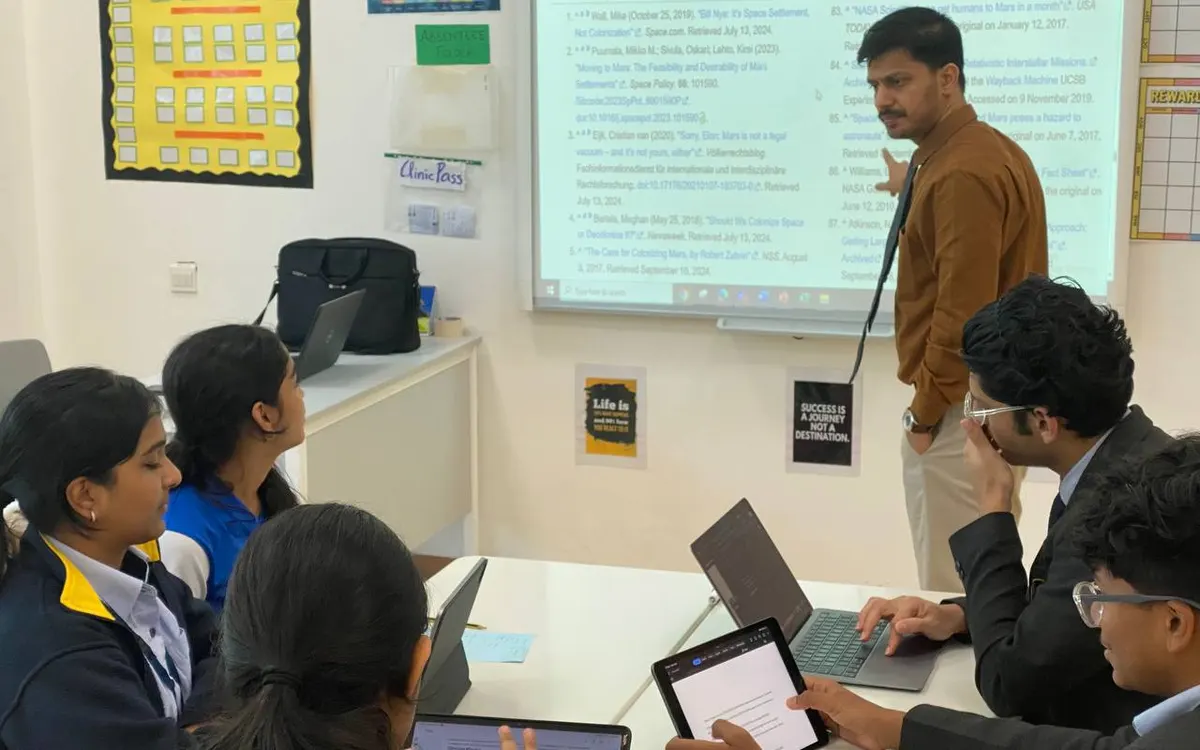
Google Docs remains the standard for collaborative resolution drafting during unmoderated caucuses. Every delegate should have it on their device. Establish a shared folder structure before the conference: one folder per committee, one document per working paper. Share the folder link at the start of committee.
Microsoft Word is still used at some conferences for formal documents, but the lack of real-time collaboration makes it impractical during live committee. Reserve it for formal final drafts if your conference requires a specific format.
Communication During Committee#
Chairs frequently need to communicate with the secretariat, co-chairs in other rooms, or crisis staff during committee. A dedicated committee communication channel (a WhatsApp group or a Slack workspace per committee) is more reliable than walking between rooms. Set this up before conference day.
Gavelling's built-in chat lets chairs send messages directly to individual delegates and to all delegates, which is useful for distributing document links, announcing unmod times, or privately flagging procedure issues without interrupting formal debate.
Projection and Display#
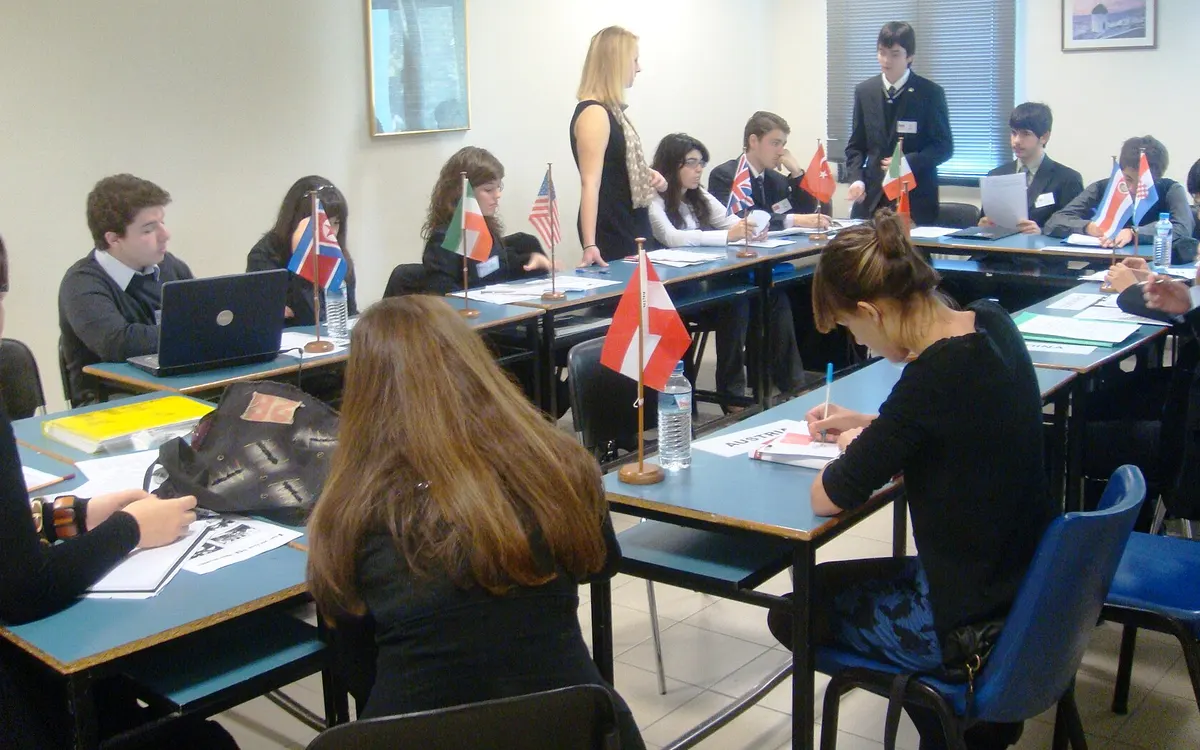
In large committee rooms, projecting the current speakers list and timer is a significant quality-of-life improvement for delegates. Gavelling's chair view can be mirrored to a projector, so delegates at the back of a 100-person room can see exactly who is speaking and how much time remains. This reduces the number of times delegates ask the chair "who is next?"
Voting Technology#
In roll-call votes, recording each country's vote by hand in alphabetical order while keeping the room in order is error-prone. Dedicated voting screens (Gavelling's /voting page takes the chair through the roll call one delegation at a time, and when the chair turns on device voting, each delegation votes on its own phone) make the process faster and produce an automatic tally that eliminates counting errors.
Research Tools for Delegates#
- UN Digital Library (digitallibrary.un.org): Full text of all UN resolutions and voting records. Free and publicly accessible.
- UN Voting Data: Searchable by country and resolution, showing how each member state has voted.
- CIA World Factbook: Quick country statistics and background.
- UN data portal (data.un.org): Official UN statistics by country.
- Google Scholar: Academic papers on international law, humanitarian issues, and development topics for position paper citations.
Our guide to MUN country research shows how to use sources like these.
What Technology Cannot Replace#
Technology handles logistics; it cannot replace substance. The best committee management software in the world does not fix a poorly prepared chair or a committee with no working papers. Use technology to handle the mechanics (timers, lists, votes) and invest the time saved in better preparation and stronger chair-delegate relationships.