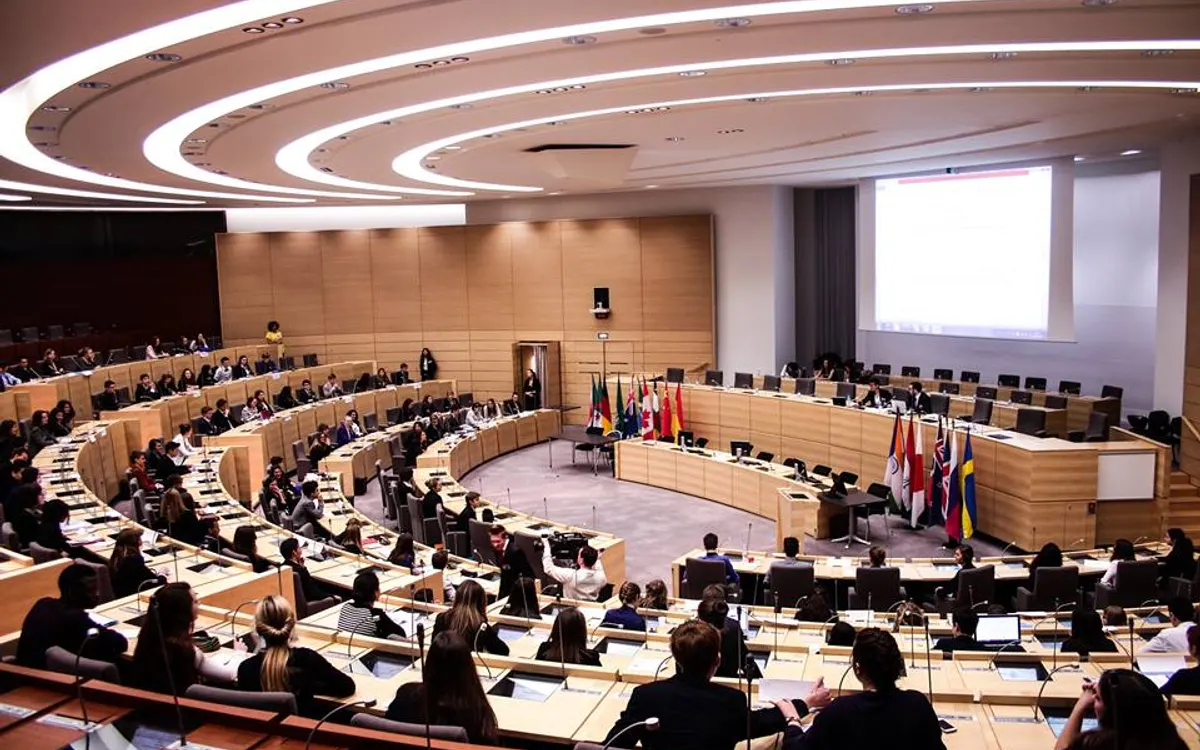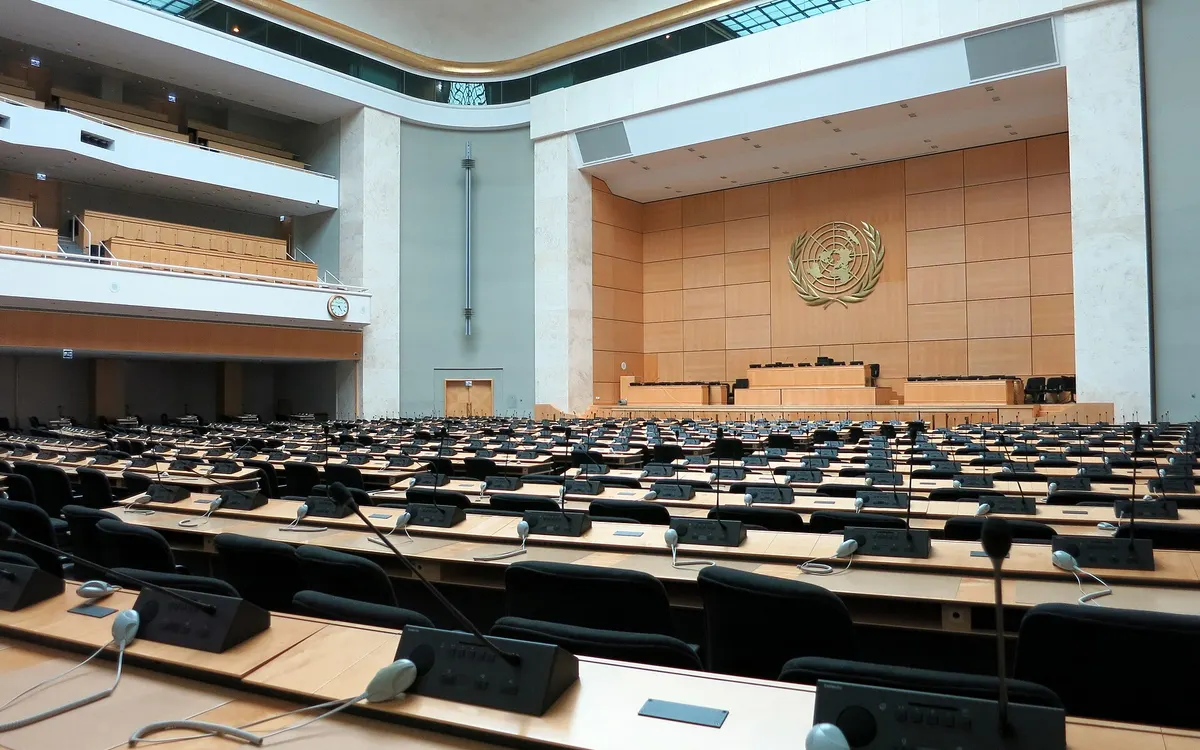
Most Model UN conferences are not inaccessible on purpose. They are inaccessible because nobody asked. The room with the step was booked because it was free, the schedule has no gaps because the programme was ambitious, and the background guides are scanned PDFs because that is what the chair had. Almost every fix in this guide is cheap, most of them are free, and several of them make the conference better for everybody who attends.
This is practical guidance from how conferences are run, not legal advice. Accessibility duties for schools, universities and venues differ by country and by institution. Check your own school or university policy, your national law, and what your venue is contractually obliged to provide, and talk to a disability or student support office before you publish anything that promises a standard.
Ask before you promise anything#
The whole of accessibility planning starts with one question asked early and answered privately. Put it on the registration form for delegates, chairs, staff and faculty advisors alike, phrased as an offer rather than a disclosure demand.
The registration question that works
"Is there anything we should know to make the conference work for you? This covers access needs, dietary requirements, medical conditions, and anything else. It is read only by the logistics team and it is not shared with chairs unless you ask us to."
Then act on it. The reason delegates stop answering these questions honestly is that they have answered them before and nothing happened. Assign one named person to read every response and own the follow-up, and reply to every substantive answer within a week, even if the reply is that you cannot do it. A conference that says "our venue has no lift to the second floor, so we have moved your committee to the ground floor" has been more useful than one that says nothing and hopes.
Physical access, and what to ask on the site visit#
Walk the actual route a delegate takes, in the order they take it: street, entrance, registration, committee room, toilet, lunch, ceremony hall. Not the tour the venue gives you. Our venue logistics guide covers the rest of the site visit.
- Step-free route from the nearest drop-off point and from public transport, not just from the car park
- Lift capacity and location, plus what happens if it fails. Book ground-floor rooms for the committees you know need them
- Door widths and whether heavy fire doors are held open or need to be pushed
- Accessible toilets: how many, on which floors, and whether they are locked
- Committee rooms with removable chairs, so a wheelchair user takes a place at the table rather than a space at the end of it
- A seat near the door for anyone who may need to leave and return without crossing the room
- Lunch queues: seating that does not require standing with a tray, and a route through
- Lighting that can be dimmed for a screen and raised for note-taking, independently if possible
Two details are missed almost every time. Registration desks are usually standing height, so put one section at seated height or have a staff member come round the front. And the ceremony hall is usually the one room with fixed tiered seating, so reserve step-free places at the front and tell recipients in advance how they will be brought forward.
Deaf and hard of hearing delegates#
Committee rooms are acoustically hostile: hard surfaces, forty people, a placard tapping, an air conditioner. Start with the room. A carpeted room with soft furnishings is worth more than most technology you can buy.
If your venue has a hearing loop, find out which rooms have one, test it, and put the committees that need it there. If it has none, a directional microphone routed to the room speakers helps everyone at the back, not only the delegate who asked. Live captioning is available through several services and through automatic captions in common video tools, and for a hybrid or online room it is close to free. For an in-person room, a laptop running speech-to-text on a table microphone, projected, is imperfect but far better than nothing, and useful to non-native speakers too.
The things a chair can do cost nothing and matter more than any of that.
- Repeat every motion, every vote result and every time setting, clearly, before moving on
- Face the room when speaking, and do not talk while writing on a board
- Require delegates to be recognised by name before speaking, so the room knows where to look
- Keep the speakers list, the current speaker and the timer visible on a screen, so procedure is readable rather than only audible
- Never rely on a spoken aside to one half of the room
Blind and low vision delegates#
The core issue is that MUN runs on documents that appear at short notice and a room that runs on visual cues. Both are solvable.
Documents first. Require background guides as real text PDFs or documents, never scans or images of text, with proper headings and no text baked into pictures. That single rule makes every guide work with a screen reader. Ask chairs to publish working papers and draft resolutions in an accessible format during committee rather than photographs of a printed sheet, which is the usual failure and is unreadable to assistive technology. If your conference shares papers on screen, share the file too.
Then the room. Ask the chair to read the speakers list aloud at each change rather than only displaying it, to announce vote results numerically, and to name delegates when recognising them. A delegate who cannot see the placards needs to be told who is in the room and who is speaking. If papers are being passed around during unmoderated caucus, make sure someone is passing them to everyone.
Neurodivergent delegates#
Much of what autistic and ADHD delegates find hard about MUN is not the debate. It is the sensory load, the unpredictability, and the unmoderated caucus.
- A quiet room. Signposted, open all day, no phones on speaker, not the same room as the staff base. Say in the programme that it exists and that using it is normal.
- A predictable schedule. Publish timings and stick to them. If a session overruns, say by how long. "We will resume at 14:10" is workable. "Shortly" is not.
- Written procedure. Publish the rules of procedure in writing and keep a one-page version in every committee room, so nobody has to ask what is happening or guess from context.
- Warn before change. A chair who says "in two minutes we will move to voting procedure" costs nothing and helps a lot of people.
- The unmoderated caucus. This is the hardest twenty minutes of the day for many delegates: unstructured, loud, and socially demanding, with no rule about how to join a group.
For unmoderated caucus, a chair can do three concrete things: announce what the time is for and what should exist at the end of it, suggest that blocs gather in named corners so a delegate can find a group without reading the room, and stay in the room and available rather than leaving. Our guide to running unmoderated caucus covers the procedural side; the inclusion side is mostly structure.
First speeches, anxiety and the cost of speaking#
Lowering the cost of a first speech benefits the quiet half of every committee. The mechanisms are procedural.
- Open with a round where every delegation speaks briefly in a fixed order, so the first speech is expected rather than volunteered
- Tell delegates the speaking time before they stand, and keep a visible clock so they can see it
- Let delegates read from notes. Say so out loud. Plenty of delegates believe reading is penalised
- Never call on someone who has not put themselves on the list
- Take a written question or a submitted point as a valid way to contribute
"Before we begin the General Speakers List, a note. Every delegate here is welcome to read from prepared notes. Speaking time is ninety seconds and the clock is on the screen. If you would like to be added to the list, raise your placard now or message the dais at any time."
Language and speaking speed#
At most international conferences, a large share of the room is debating in a second or third language, at speed, in a register full of jargon. That is an access issue even though it is rarely filed as one.
Ask chairs to say this in the first session, and to mean it: speak at a pace the room can follow, procedural terms will be explained when used, and a delegate may ask the dais to repeat anything at any time without it counting against them. Ask chairs to avoid idioms and to slow down for numbers and dates, which are the hardest things to catch in a second language. And publish the procedure in writing, because reading it is far easier than hearing it.
Cost, and financial aid that is easy to ask for#
Money is the access barrier that removes the most delegates, and the application process is usually the thing that removes them, not the decision. Three rules make a real difference.
- Publish the total cost, including socials, materials and any deposit, on the same page as the fee. A delegate cannot ask their family for a number they do not have.
- Make aid a tick box on the ordinary form, not a separate application with an essay and a reference. The essay is what stops people applying.
- Decide before the payment deadline, and say when. Nobody should be asked to pay while waiting to hear whether they must.
Keep applications confidential from chairs, and make sure an aided delegate is indistinguishable from everyone else on the day: same badge, same materials, same socials. If your funding is limited, partial waivers spread across more delegates usually widen the room more than a small number of full ones, though full waivers matter for travel. The same logic applies to travel bursaries, which are what actually decide whether a school an hour away can send a team.
Dress code, dietary needs and the other quiet exclusions#
Write the dress code down and write it in terms of garments and formality, never in terms of gender. "Business attire: a suit or blazer with trousers or a skirt, a shirt or blouse, closed shoes. National dress and religious dress are welcome and count as formal wear." That sentence prevents almost every dress code dispute, because it removes the enforcer's discretion. Tell staff that they enforce the written rule and nothing else, and that nobody is turned away at the door over clothing without a senior member of the secretariat present. Our preparation guide is where delegates will look for what to bring, so keep the two consistent.
Dietary and medical requirements should be collected once, at registration, and passed to catering as a count rather than a list of names. Label every dish at the buffet with its allergens. Keep the vegetarian and halal options in the same quantity and the same queue as everything else, and do not put them at the end, where they run out. If a delegate has told you about a medical condition, make sure the first aid point knows the plan, as part of your safeguarding arrangements, and that their faculty advisor knows who to find.
Your own website, documents and software#
Almost every conference produces its own digital estate: a site, a registration form, a handbook, a set of guides. Four checks cover most of it. Real text rather than images of text. Colour contrast high enough to read on a phone in daylight. Every form field with a visible label. Everything usable with a keyboard alone. If your handbook is a beautifully designed PDF that a screen reader reads as one block of nonsense, publish a plain web version alongside it.
In committee, the single most useful accessibility measure is that procedure lives somewhere a delegate can read at their own pace rather than only in the air of the room. A shared screen showing the speakers list and the clock helps a deaf delegate, a delegate at the back, a delegate whose English is their third language, and a delegate who has lost track. Gavelling does this on each delegate's own phone: the speakers list, the current speaker, the timer and the documents, updating live, which removes the need to read a projector from twelve metres away. It is free for sessions, and you can open a practice session and test it with a screen reader and at whatever text size you like before you commit to it.
Write an access statement and publish it#
An access statement is a short public page that says what your venue and conference actually offer. It is not a promise to be perfect. It is information, and it is what lets a delegate or an advisor decide whether to come without having to write an awkward email first.
| Section | What to write |
|---|---|
| Getting here | Step-free routes, nearest accessible station, drop-off point, parking |
| The building | Lifts, accessible toilets by floor, step-free committee rooms, quiet room location |
| In committee | Screen-based speakers list and timer, written procedure, document formats, speaking time |
| Food | Allergen labelling, dietary options, whether needs are collected in advance |
| Support | Named contact, email address, deadline for requests, what can be arranged on the day |
| What we cannot do | Stated plainly. This is the most useful section on the page |
Conferences worry that publishing limitations will lose them delegates. In practice the opposite happens: a delegate who can see that the building has a lift, a quiet room and a named contact registers. A delegate who can see nothing assumes the worst and does not. If you are browsing conferences to attend, an access statement is one of the fastest ways to tell how carefully a conference has been organised in general, which tells you something about the rest of the weekend too.
Finally, ask afterwards. Add two questions to the post-conference survey: was there anything that made it harder for you to take part, and was there anything we did that helped. Both answers are specific, both are free, and both are more accurate than anything you will work out from a floor plan.