Online conferences did not go away when in-person events came back. They stayed because they removed the two things that keep most schools out of Model UN: travel cost and travel time. A school that cannot send eight students across a country for a weekend can send them to a laptop for two mornings. If you are hosting one, almost nothing about the academic content changes and almost everything about the logistics does.
Three different events, not one#
Decide which of these you are running before you decide anything else, because they have different failure modes.
Fully online
Everyone is remote, including the dais. Simplest to run, cheapest, and the only one of the three where everybody is equal. Constraints are time zones and attention span.
Hybrid: rooms plus remote delegations
Committees meet in person and some delegations join from elsewhere. The hardest of the three by a wide margin, because a remote delegate in a physical room is invisible unless you design against it.
Distributed: in-person hubs, online committees
Delegates gather at their own schools, but committees run online across hubs. Often the best compromise: social experience is local, academic experience is global, and nobody is the only remote person in a room.
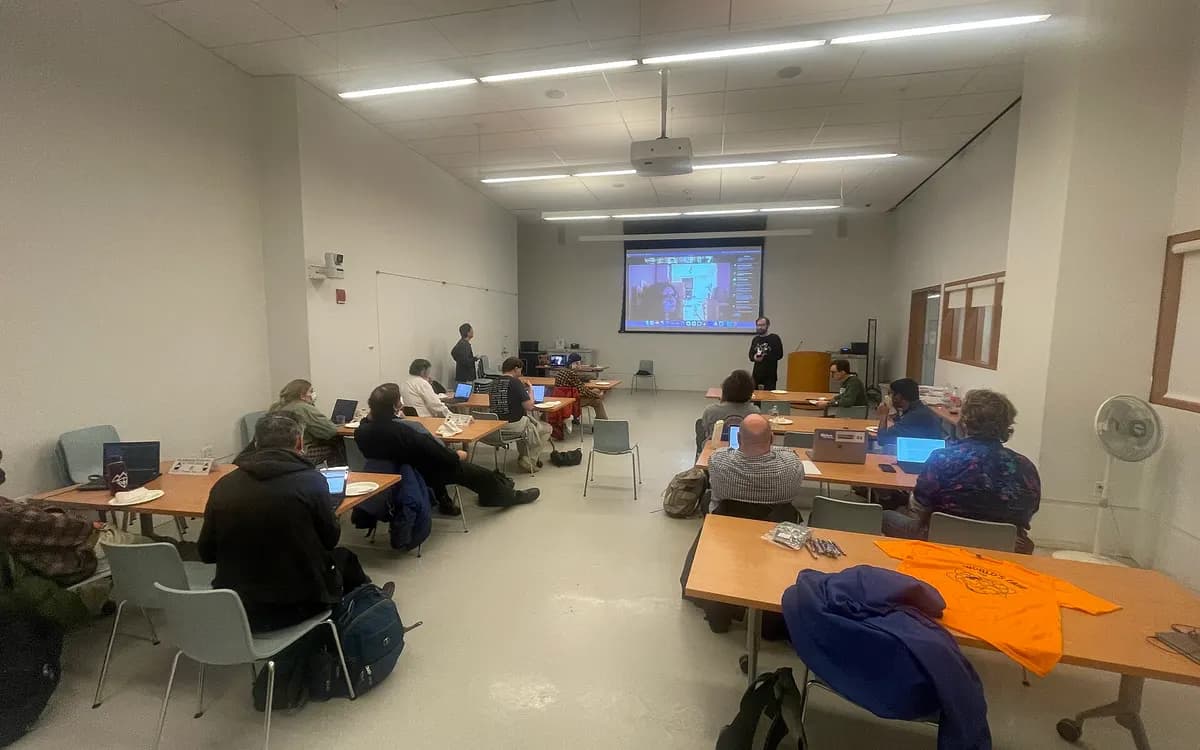
The distributed model is under-used and worth serious consideration for a regional conference. Each participating school hosts its own delegates in a room with supervision and lunch, and committees meet online. You get a real conference day for students without a venue bill or a travel budget.
Time zones decide your schedule and your delegate pool#
Pick your pool first and the schedule falls out of it. Trying to serve every time zone produces a schedule that serves none.
| Pool | Workable window | What it costs |
|---|---|---|
| One region, up to 3 hours apart | A normal school day, 09:00 to 15:00 in the middle zone | Nothing. Do this if you can |
| Two regions, 5 to 8 hours apart | A 4-hour overlap window, typically early afternoon in Europe and morning in the Americas | Short days, so more of them |
| Global | No honest common window | Either accept unsociable hours for someone, or run each committee within one region |
If you go global, the workable answer is to allocate delegations to committees by time zone rather than by country, so each committee sits inside one window. It means abandoning the idea that every committee has a global delegate mix, which is a real loss, but it is better than a delegate joining at 03:00 and being penalised for saying nothing.
Publish every time with a zone and a converter link. Every single one: sessions, deadlines, the ceremony. The most common failure of an online conference is not technical; it is a delegation arriving an hour late because a schedule said "10:00" and meant it somewhere else.
An eight-hour in-person day is a four-hour online day#
Attention on a screen does not last the way it does in a room, and nobody gets the corridor conversations that make a long day tolerable. Plan for roughly half the hours and make them denser.
| Time | Session | Notes |
|---|---|---|
| 0:00 to 0:15 | Committee opens, roll call, chair brief | Cameras on, names set correctly |
| 0:15 to 1:15 | Session one: speakers list and moderated caucus | Shorter speaking times than in person |
| 1:15 to 1:30 | Break, cameras off, genuinely away from the screen | Chairs take the break too |
| 1:30 to 2:15 | Unmoderated caucus in breakout groups | Chairs visit every group |
| 2:15 to 2:25 | Break | |
| 2:25 to 3:25 | Session two: papers introduced, debated, amended | The substantive hour |
| 3:25 to 3:45 | Voting procedure and close | Finish on time. Always |
Two or three of those days beat one long one. A break every 45 to 60 minutes is not generosity; it is what keeps the last hour usable. And finish when you said you would, because a delegate at home has a family expecting them, not a hotel.
The stack: what each piece has to do#
Four jobs, and the mistake is to make one tool do all four badly. Our roundup of the best MUN software in 2026 compares the options.
| Job | What it must do | What goes wrong |
|---|---|---|
| Video and audio | Breakout rooms, screen share, a stable call with 40 or more participants, host controls | Free tiers with time limits, or no breakouts |
| Committee management | Speakers list, timers, motions, roll call, voting, visible to everyone at once | A chair maintaining a list in a private document nobody can see |
| Documents | Live collaborative drafting, sharing to the whole committee, a version history that survives | Papers passed as screenshots in chat |
| Communication | Delegate to dais, delegate to delegate, moderated and logged | Private chats the dais cannot see, which is a conduct problem |
Video is the one you should pay for. Committee management is the one where a dedicated tool changes the day most, because procedure that is only spoken is procedure that half the room misses. Gavelling covers that second job in the browser: the chair runs the session from a laptop, and every delegate sees the speakers list, the current speaker, the running timer, the motions on the floor and the documents on their own screen, live, by joining with a six-character code and no account. It is free, and because it is a web page rather than an app, it works the same for a delegate on a phone in a physical room and a delegate on a laptop at home. Our technology guide covers the wider toolset.
Procedure online#
Most of procedure transfers unchanged. Three things need a decision in advance, and they should be written in your rules so that every committee does the same.
- Raising a placard. Pick one mechanism and enforce it: the platform's raise-hand, a request button in your committee tool, or a message to the dais. Video-call reactions scroll away and hands go unnoticed, so a queue a delegate can see themselves in is far better than a hand a chair may miss.
- Voting. Roll call by name is slow but unambiguous and works everywhere. A tool that collects votes from each delegate is faster and produces a record. Avoid chat-based voting, which is unreadable and easily miscounted. Our voting procedures guide covers the thresholds themselves, which do not change online.
- Points and motions. Ask delegates to type the motion in the committee chat as well as saying it, so the chair has the wording in front of them and nobody is misquoted.
One rule solves half the remaining problems: everyone is muted by default and unmutes to speak when recognised, including in caucus. It sounds heavy-handed, but it is the reason online committees are audible at all.
Unmoderated caucus is the hard part#
In a room, twenty minutes of unmoderated caucus self-organises. Online, delegates sit in silence waiting for somebody else to speak first. Three approaches work, and you should tell chairs to use them deliberately.
- Assigned breakouts. The chair sends delegates into named breakout rooms by bloc or by theme. Fastest to start, and the right choice for a first session or an inexperienced committee. The cost is that the chair has chosen the blocs.
- Open breakouts. Delegates move between rooms themselves, which most video platforms now allow. Closest to the real thing. Needs a room list published in chat and a chair who announces which rooms exist.
- One room, structured. Everybody stays, and the chair runs it as an informal round: each bloc leader says what they are drafting and who they need. Slower, but nobody is stranded, and it works when breakouts are unavailable.
Whichever you use, three things are mandatory. Announce what should exist at the end of the caucus. Put the shared drafting documents in chat before the caucus starts, not during. And have the chair visit every breakout room, because a room with nobody senior in it goes quiet in four minutes. The in-committee craft is covered in our guide to chairing online.
The hybrid trap#
If you run committees in physical rooms with some delegations remote, the remote delegates will be second-class unless you build against it. They will miss the side conversation, the paper passed along the table, the nod that forms a bloc. They will speak less and they will be scored lower for it.
Concrete measures, in order of how much they help.
- A remote delegate's partner in the room. Pair each remote delegation with an in-room delegate who is responsible for pulling them into the drafting group. Assign it by name, do not hope.
- All drafting online. No paper. If a bloc is writing on a shared document, the remote delegate is genuinely in the bloc.
- A second camera and a room microphone. A laptop at the front shows the speaker. A separate omnidirectional microphone on the table is what makes the room audible, and it is the cheapest piece of equipment with the biggest effect.
- The speakers list on everyone's screen. A remote delegate who can see they are third on the list is in the committee. One who has to ask is not.
- The chair calls remote delegates by name. Explicitly, often, and first on any new list.
- Unmoderated caucus with a remote bloc. Either a physical group joins the call from a laptop in the corner, or the remote delegates have a named breakout with an in-room delegate in it.
Chair workload, and the second chair that fixes it#
Chairing online is harder than chairing in a room. The chair is running procedure, watching a participant list, managing breakouts, reading two chats, sharing a screen and watching for raised hands, without any of the peripheral awareness a room gives them.
Staff every online committee with two people and split the roles explicitly. One runs the floor: recognising speakers, timing, motions, rulings. The other runs the platform: admitting late arrivals, breakouts, chat moderation, technical help, and watching for the delegate who has been trying to speak for ten minutes. Swap them between sessions so neither spends the whole day on admissions.
Then train them on the actual stack, not on the idea of it. A one-hour training session a week before, where every chair runs a mock committee end to end with the tools they will use, removes almost every support call on the day.
Conduct, moderation and the rules you write down#
The paragraphs below are practical organisational advice, not legal advice. Safeguarding duties for events involving under-18s differ by country and institution. Follow your own school or university policy, your national rules, and the guidance of your designated safeguarding lead, who should sign off your online conduct policy before you publish it.
Write a short conduct policy and publish it with registration. The decisions it must contain are specific to online events: whether sessions are recorded and who can see the recording, whether private messages between delegates are permitted and whether the dais can read them, how a delegate reports a problem and to whom (our MUN safeguarding guide covers this), what happens to someone removed from a call, and whether cameras are required.
The practical defaults most conferences settle on: do not record committee sessions, because a recording of minors is a liability you do not need and it changes how delegates speak. Keep delegate-to-delegate messaging inside a tool the dais can see rather than on personal social media. Give every delegate a named adult to contact who is not their chair. And require an adult from each school to be reachable during sessions.
Fees, and what an online conference can honestly charge#
Your costs are genuinely lower: no venue, no catering, no printing, no security. Delegates know that, and an online conference priced like an in-person one will be compared unfavourably in every faculty advisor staff room in your region.
What you are actually paying for is a video licence, your committee software if it is paid, background guide production, certificates, and your own time. Price against that plus a modest surplus, and publish what the fee covers. Two things justify a higher fee honestly: genuinely good background guides and chairs, and a reliable, well-run day. Neither is free to produce.
Consider a per-delegation rate rather than a per-delegate one for online events. It is simpler to administer, it encourages schools to bring more students, and since your marginal cost per delegate is close to zero, the only reason to charge per head is that the in-person model did. If you want to see how other conferences are pricing and structuring their events, the conference directory is a quick way to compare.
Test the whole thing a week before, with real people#
Not a technical check. A rehearsal, with the actual chairs, on the actual stack, for at least an hour. It plays the same role as the run-through in conference day operations for an in-person event.
- Every chair joins from the device they will use on the day
- Run a full cycle: roll call, speakers list, a moderated caucus, a motion, a breakout caucus, a vote
- Deliberately break something: have someone leave and rejoin, share a broken link, mute the wrong person
- Test the join route a delegate will take, from the email you actually sent, on a phone
- Check the screen share is readable at phone size, since some delegates will be on one
- Time a session. If the rehearsal overran, the real one will overrun by more
- Write down who to call for each kind of problem and put it in every chair's hand
Then publish a one-page delegate briefing: how to join, what to install, how to raise a placard, what to do if you lose connection, and who to message. Send it twice, a week out and the morning of. The single biggest difference between an online conference that feels professional and one that feels improvised is whether the first fifteen minutes of session one were spent debating or explaining. You can set the committee side of that up in advance and let chairs practise with it free at gavelling.com/create, which is also a reasonable way to run the rehearsal itself. For the wider planning arc, our conference planning guide covers the parts that are the same whether you meet in a hall or a browser.